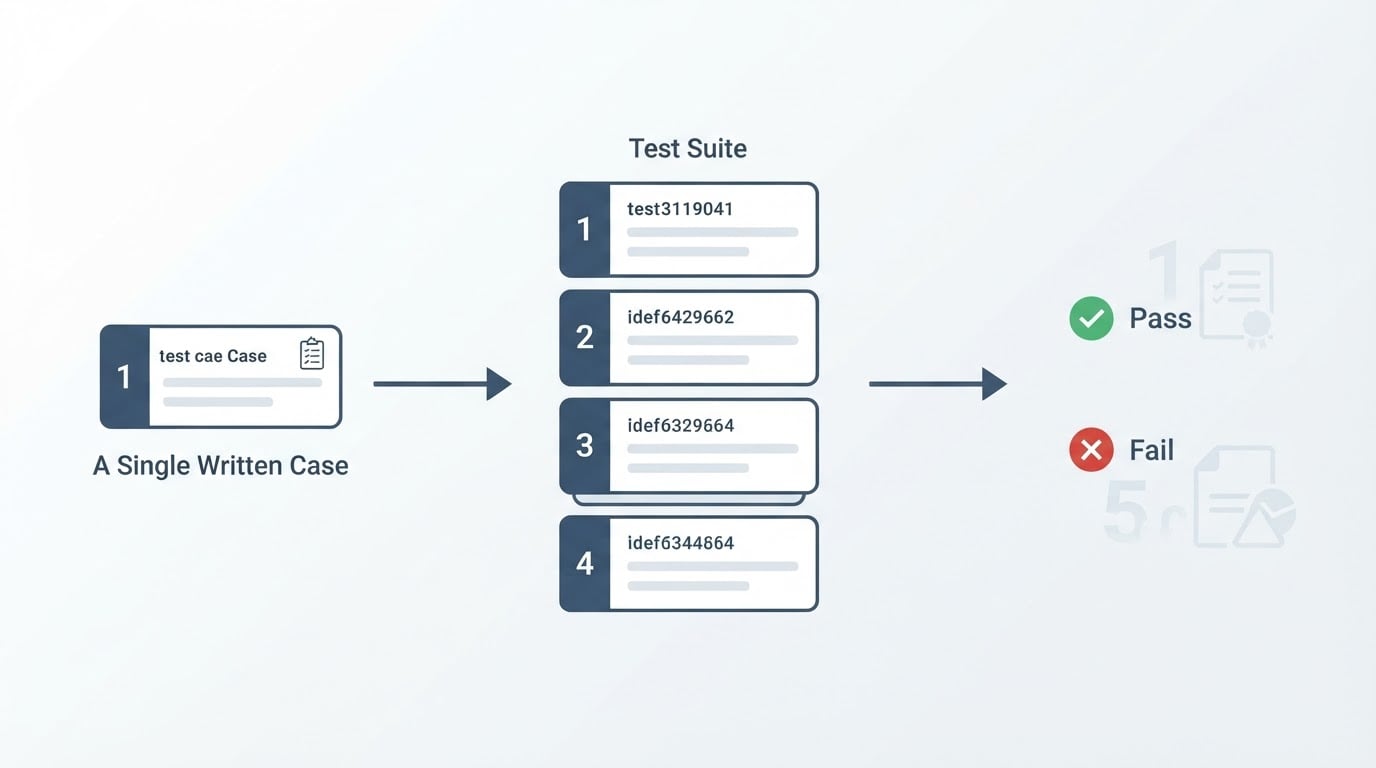
What retesting verifies after a defect is fixed
Retesting is the rerun of a previously failed test case, with the same test data and the same environment, to confirm that the specific defect it was written for is resolved. The focus stays on that one defect. It is not a survey of the system, and it is not a check that the rest of the product still works.
The reference point for the whole activity is the defect report, not your memory of the bug. A usable report carries the build and environment where the failure appeared, the steps that triggered it, the test data involved, the result that was expected and the result that actually happened. If any of those are missing, repair the report before you rerun anything. A retest against a vague report only proves that the screen looks different from how it looked last time.
The narrow scope is the point. The retest answers one question: does the reported failure still reproduce on the build that contains the fix? It should not be widened to cover neighbouring behaviour while you happen to be in that part of the product. Neighbouring behaviour belongs to a regression pass, covered below.
Retesting versus a regression pass: what each one proves
Retesting confirms one fixed defect is gone. Regression testing checks whether the change that fixed it broke other existing features across the application. Those are different questions with different evidence, and passing one does not answer the other.
Question | Retesting | A regression pass |
|---|---|---|
Which checks run | The case that previously failed | Checks that passed on an earlier build |
Test data | The data from the failing run | Broad, representative data across features |
Pass criterion | The reported defect no longer reproduces | Previously accepted behaviour still matches |
A failure means | The fix is incomplete or wrong | The change broke something else |
Typical scope | One defect, one or a few cases | Many areas, usually automated |
Order matters. Run the retest first, because it is cheap and it gates everything else. If the retest fails, the fix is not ready and the wider pass would only add noise to a build that still contains the reported bug. Once the retest passes, the regression pass answers the next question: what else moved because of this change?
Most of the confusion between the two comes from a single habit: running one passing case and reporting it as "regression done". A retest that passes proves that one failure stopped reproducing. It says nothing about what started failing somewhere else.
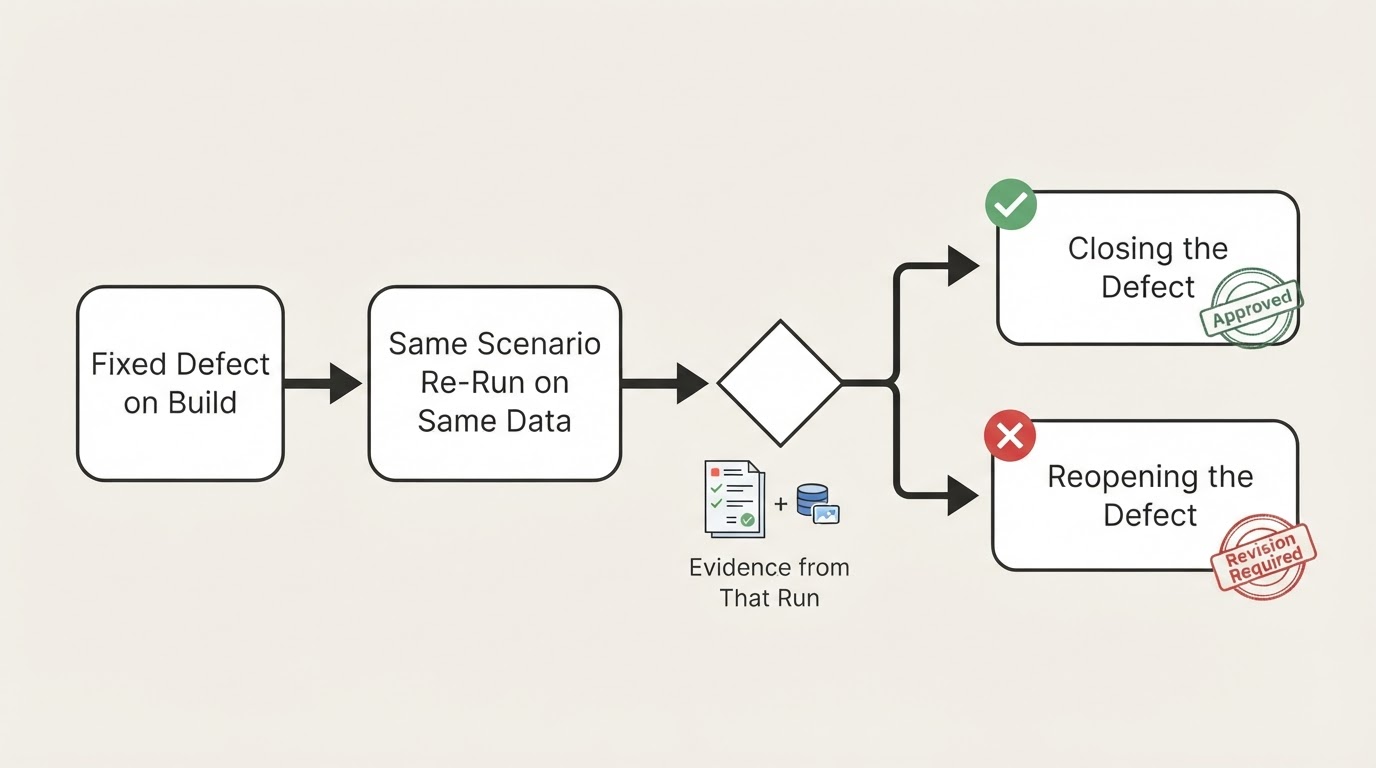
Before rerunning: same scenario, same data, same environment
A retest is only as trustworthy as the conditions you recreate. Check these before you open a browser:
- The defect report, with its reproduction steps, expected result and actual result.
- The build that contains the fix, and confirmation that the build is deployed where you are testing.
- The environment and configuration from the failing run: browser, viewport, operating system, account role, feature flags.
- The test data from the failing run, or a documented reset to an equivalent state.
- A way to observe the result beyond the screen: logs, network calls, database state.
- The pass criterion, written down before you start.
That list looks obvious and gets skipped precisely because it looks obvious. Most false passes come from a quiet change in one line of it: a build that was never deployed to staging, a test account that was reset to a different plan, a fixture replaced with one that no longer represents the reported state.
Data deserves special attention. If the defect only appears with an expired card, an account in a past-due state, or a cart holding a discontinued item, that condition is part of the test, not setup overhead. Recreate it deliberately, and say in the record that you did.
How to retest a fixed defect, step by step
The procedure is short, and each step produces something the next person can read.
- Restate the defect in one line, including the expected result. If you cannot state the expected result, you cannot judge a pass.
- Recreate the preconditions: environment, build, account, data.
- Follow the original reproduction steps exactly, in order, without improvising shortcuts.
- Watch the specific step where the failure occurred, and record what you expected and what actually happened, in that step's own words.
- Apply the outcome rule below.
- Attach the evidence produced by this run.
- Decide whether the change also needs a regression pass.
The outcome rule is simple and non-negotiable. On a pass, close the defect and link the run that proves it. On a fail, reopen the defect, record the observed result, and return it to the developer with the evidence attached. A fail reopens the ticket; it does not get quietly retested until it happens to go green.
There is a third outcome that is reported far too often as a pass: you could not recreate the conditions. If the fixture is gone, the environment no longer matches, or the build is unavailable, the honest result is blocked. Blocked is not verified, and closing on it puts the original defect back into the product unannounced.
Recording the result so the next person can trust it
A retest record is a short set of facts, not a paragraph of reassurance. It needs the defect identifier, the build or commit tested, the environment and data used, the decision, the person who decided, and the timestamp.
Evidence should come from the run you just performed. A screenshot of the previously broken step, a console or network log around the failure point, a run identifier if the scenario is automated, and the exact wording of what you observed. Old screenshots from the original report prove nothing about the fix; they document the bug, not the verification.
A retest record without the build identifier is not evidence; it is a claim that something looked fine once. That single field decides whether the record can be trusted six weeks later, when the same area breaks again and somebody needs to know which build was actually verified.

When you reopen, say what changed between the report and the rerun. "Still failing on the same step, same data, build 2411" is a useful reopen. "Does not work" restarts the whole investigation and wastes the work already done.
Worked example: a checkout defect in a recorded browser run
Consider the kind of defect that reaches most web teams: checkout accepts an expired card, shows a confirmation page, and creates an order that the payment provider later rejects. The report names the card fixture, the account plan, the browser, and the step where the confirmation appeared.
The retest follows that report rather than the product in general. Recreate the account with the same plan and the same expired card fixture, on the build that contains the fix, in the same browser. Walk the cart, the address step, the payment step and the confirmation step in the recorded order. At the payment step, the expected result is a visible decline message and no order record. The actual result is whatever that run produces.
If the scenario is automated and recorded, the rerun produces the step list, a screenshot at the payment step, and the console and network log for that step. That is roughly the evidence a careful manual tester assembles by hand, captured in one pass instead of four. The scripted rerun does not make the judgement for you: you still read the step result and decide whether the decline message appeared where the report said it should.
The same shape applies to a sign-up defect, a password reset defect or a booking defect. The scenario is the unit that gets rerun, and the report is the specification for what "fixed" means.
Traps that make a retest meaningless
- Stale data. The account moved on since the report: upgraded plan, changed email, cleared cart. The rerun tests a state that never produced the bug.
- The partial fix. A developer patched the exact input in the report, so the original steps now pass while the underlying condition still fails through a neighbouring path. Retest the reported case, then ask which other inputs reach the same code.
- Environment drift. The fix went to one environment and the retest ran in another, or the browser and viewport changed between the failing run and the rerun.
- Testing with the workaround in place. If support told the customer to avoid a step, the retest must still exercise that step, otherwise you verify the workaround instead of the fix.
- Retesting until green. An intermittent failure that passes on the fourth attempt is not fixed; it is intermittent. Record the attempts rather than the last result.
- One pass reported as a regression pass. The retest closed one defect. It did not check the rest of the product, and reporting it as a full pass hides everything the change may have broken.
None of these traps requires a tool to avoid. They require the discipline to reproduce the reported conditions and to write down what happened, including the unflattering result.
Where an on-demand recorded run fits
BuniOD is an AI test-automation platform for web applications, and its run model maps onto part of this procedure. Confirmed browser scenarios can be run on demand, or once a day at a time you choose, and each run is recorded with its step results and the evidence attached to it, so a retest can cite the run instead of a fresh manual pass. That fits the window right after a hotfix deploy, when the flow that just changed needs to be rerun immediately rather than waiting for a scheduled check.
The limits belong in the same breath. BuniOD does not currently offer a CI/CD trigger, a public API or third-party integrations, so scheduling is the only automated trigger today. If the retest has to fire inside a deployment pipeline, the on-demand run is a step you take by hand rather than a gate that fires itself.
Nothing in that changes the procedure above. The judgement about whether the reported defect is gone still belongs to the person reading the step result.
What a finished retest looks like
A retest is complete when all of the following are true:
- The build and environment tested are recorded.
- The reproduction steps from the report were followed as written.
- The expected and actual result at the failing step are both written down.
- The outcome is one of pass, fail or blocked, with evidence from this run.
- The defect is closed, reopened, or marked blocked accordingly, with the record linked.
- A regression pass has been scheduled or explicitly ruled out, with the reason.
That standard is worth more than any tool in this workflow, because it makes the result reviewable by someone who was not there. A retest that closes a defect is a claim about one specific failure on one specific build. Written that way, the claim survives the next release, the next team, and the next person who has to decide whether the product can ship.