What automation and testing actually change
A manual tester decides what to check and then performs it. Automating separates those two acts. Someone describes the steps and the expected result once, and a tool replays them with no person present. The economics move with it: you stop paying for each run and start paying for each change to the steps, the data, or the environment they depend on.
That trade is not automatically a good one. It is good when runs are frequent and the underlying flow is steady. It is bad when the flow is still being rewritten every other sprint. Telling those cases apart before committing budget, tooling, and a quarter of someone's attention is the whole decision.
Three benefits, each with the condition that makes it real
Faster repeated execution
Once a check exists, running it again costs almost no human time. A flow that takes fifteen minutes by hand, twenty times a month, stops competing with feature work. The condition: the same check has to run often enough that building it is amortized, and stay steady enough that it does not need rewriting between runs. A quarterly compliance walkthrough does not clear that bar. A pre-release checkout check that runs every weekday does.
Checks that fire on every integration event
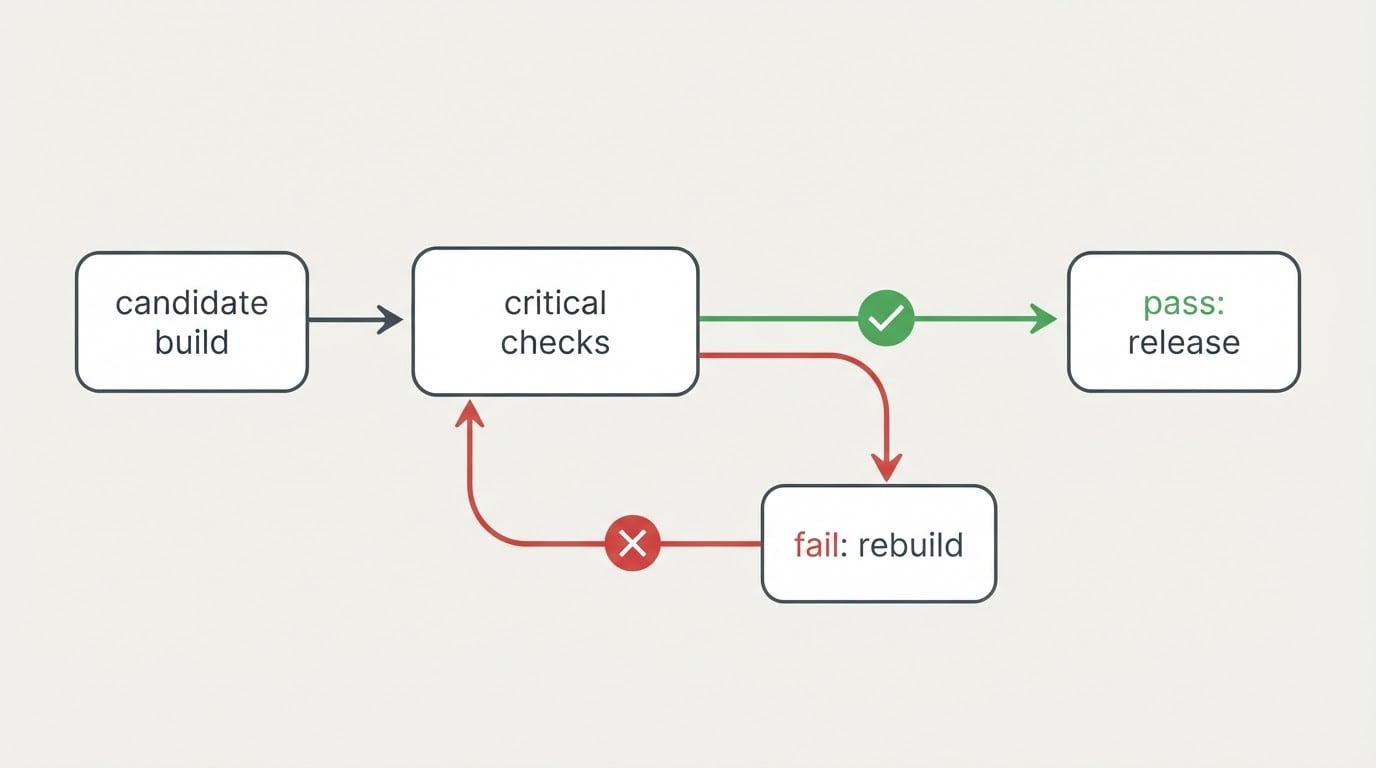
When runs are triggered by the pipeline, a regression surfaces minutes after the commit that caused it instead of days later in a customer report. Attribution gets cheap because the diff is small and the failing step is named. Two conditions come with that benefit. The run has to sit in the merge path so a red result actually blocks something, and the team has to trust the result. A suite that fails for environmental reasons two runs out of five teaches everyone to ignore it, and an ignored suite is worse than no suite, because it looks like coverage.
Consistent, deterministic checks
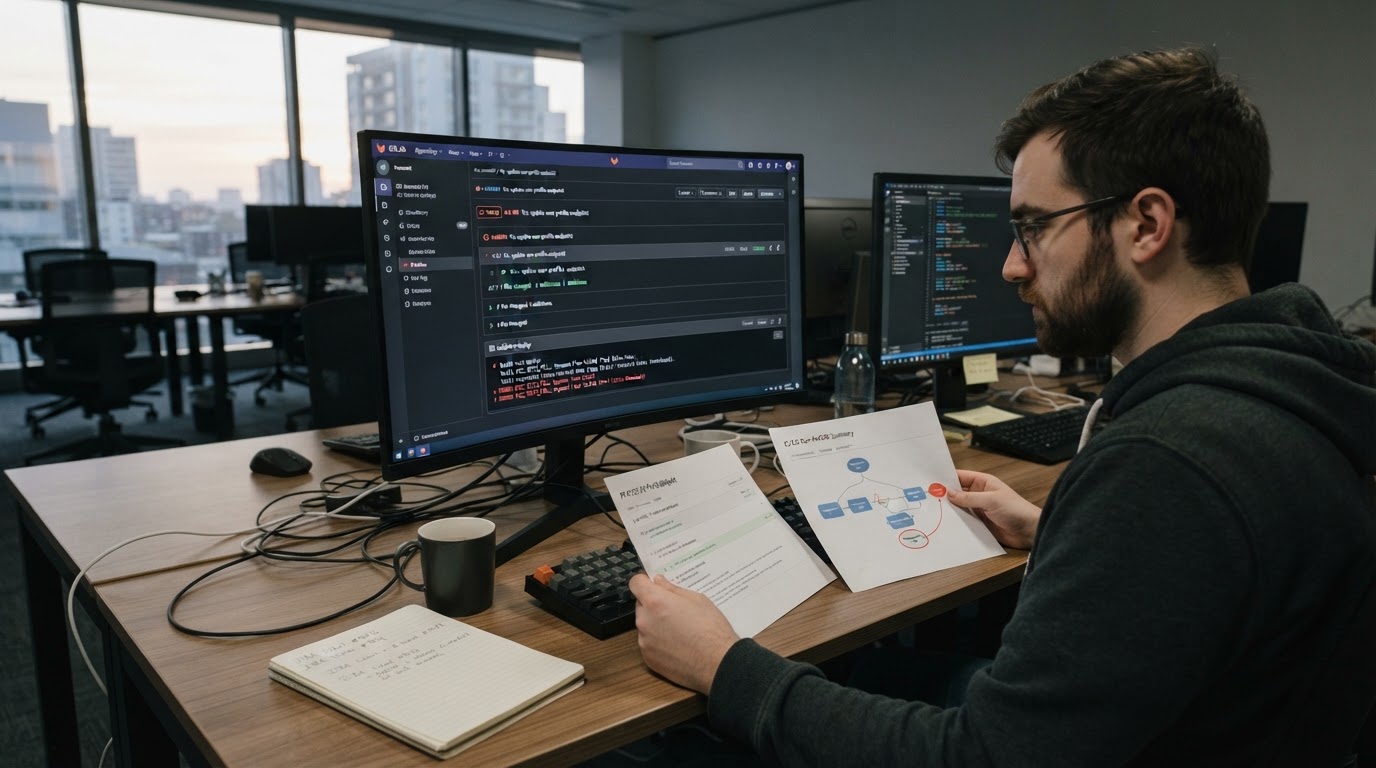
Same steps, same expected values, same verdict, plus an artifact — step results, a screenshot at the failure point, console and network output — that a second person can inspect without re-running anything. That consistency is what makes a pass defensible in a release review rather than a personal assurance. The condition: the expected result has to be objectively specifiable. Where "correct" is a matter of taste, an automated verdict only adds false precision.
Three limits worth admitting before you commit
Setup effort is front-loaded, and it is larger than the first test suggests
Before the first reliable browser check you need an environment that is not production, test data that can be created and reset, a way through authentication, and a decision about which browser and viewport count as the target. Most stalled automation efforts die here rather than at writing assertions. The useful hedge is to scope the first commitment to a handful of flows on one environment and treat the setup as the deliverable of the first iteration instead of an obstacle in front of the real work.
Maintenance is the cost people underestimate
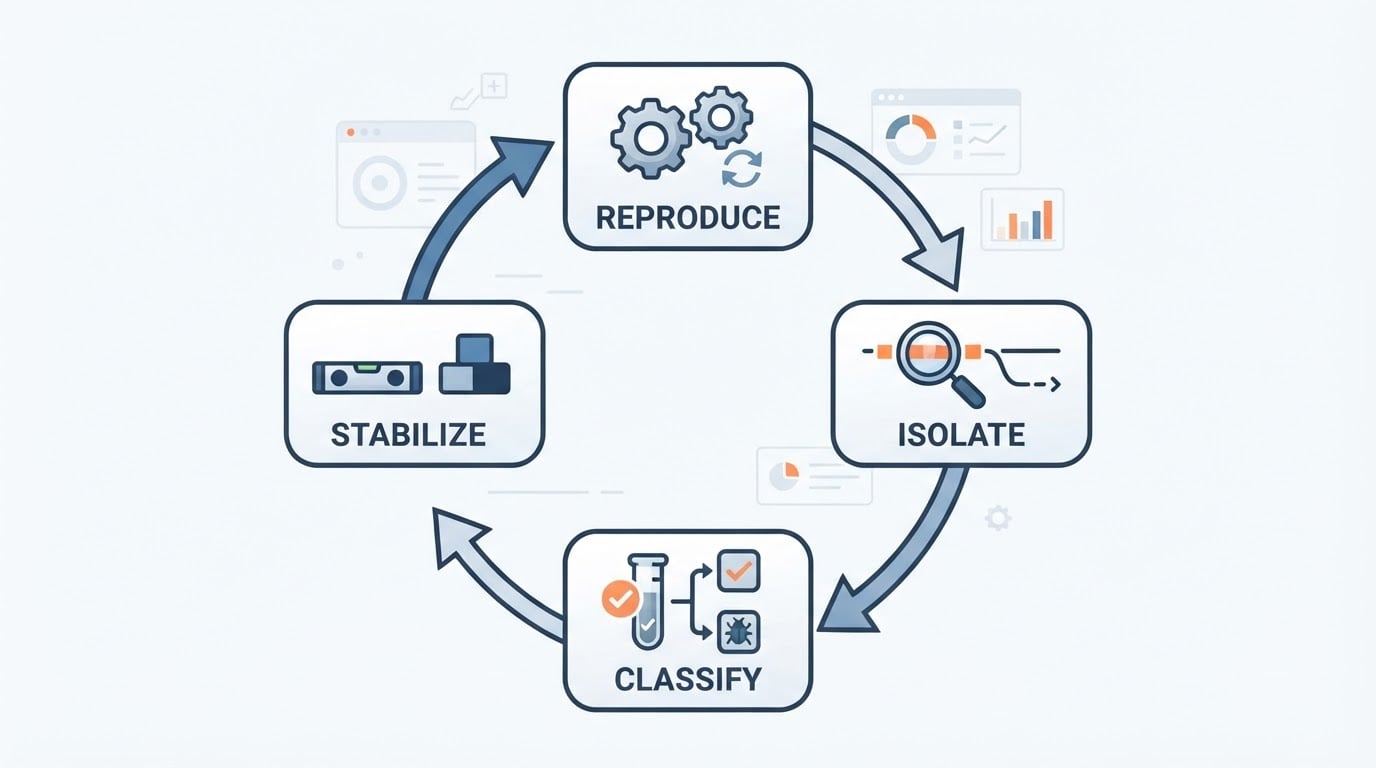
Two different things break a suite, and they need different responses. Selector churn happens when the interface moves but the intent is unchanged: a button gets nested one element deeper, a label changes case, an animation shifts timing. Intent drift happens when the flow genuinely changed and the old check now asserts the wrong thing.
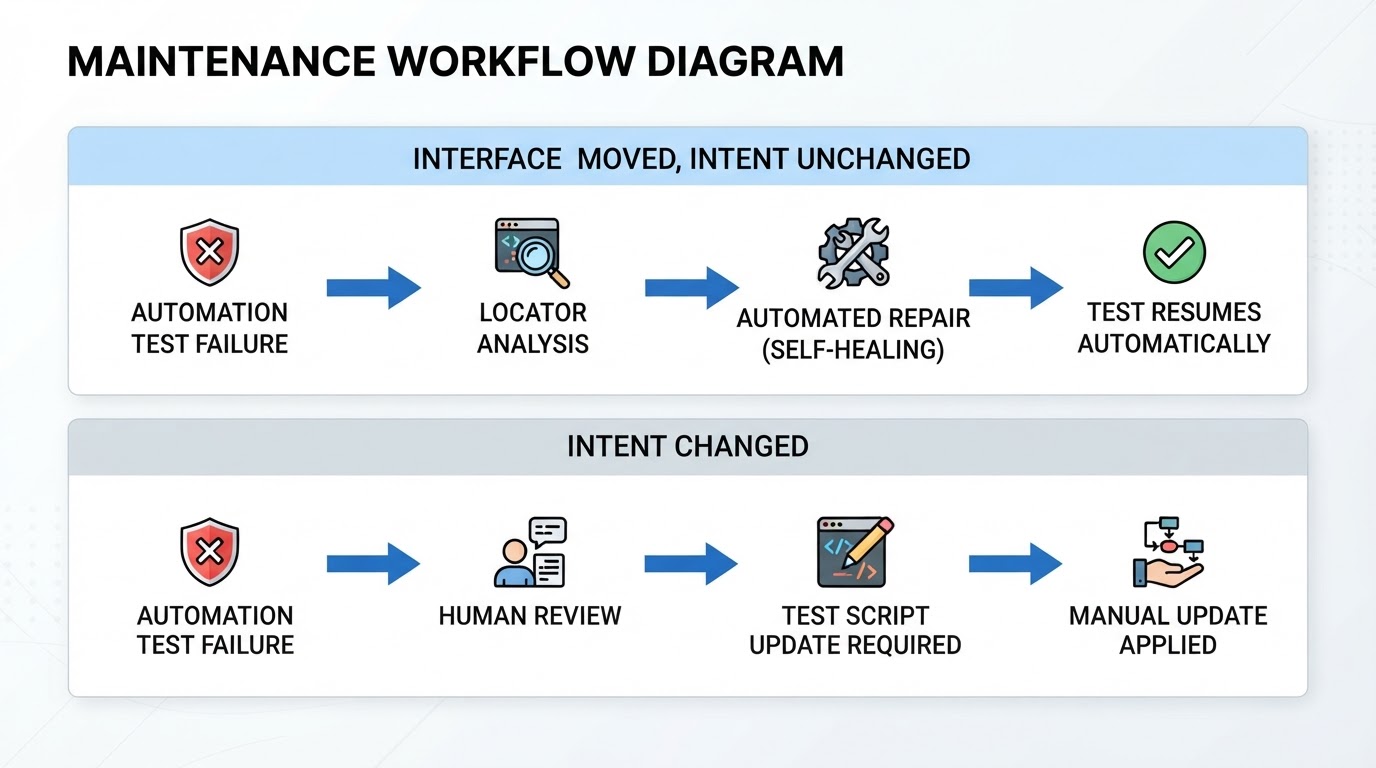
Recovery heuristics only address the first kind. As one example of how a vendor scopes this, BuniOD describes a fixed three-stage recovery order — stored locators, then element fingerprints, then AI matching before a step fails — and saves a new element location only after a passing run rather than during a failing one. The vendor limits that behavior to cases where recovery is supported and notes that an intended flow change still needs an updated description that a person reviews. That scoping is the honest part: no recovery mechanism can tell you whether a green run means the feature works or means the check quietly adapted to a bug.
Some checks need a person, and that is a property of the work
Three categories stay manual for structural reasons: new features whose requirements are still shifting, subjective evaluation of whether a flow reads clearly, and exploratory sessions where the goal is to find the question rather than to confirm an answer. Automating these produces churn faster than it produces signal. The condition for keeping a check manual is not difficulty but stability of the requirement. Once the requirement settles and someone can state the expected result without argument, the check becomes a candidate.
Which tests to automate first
Score every candidate on three axes before choosing it:
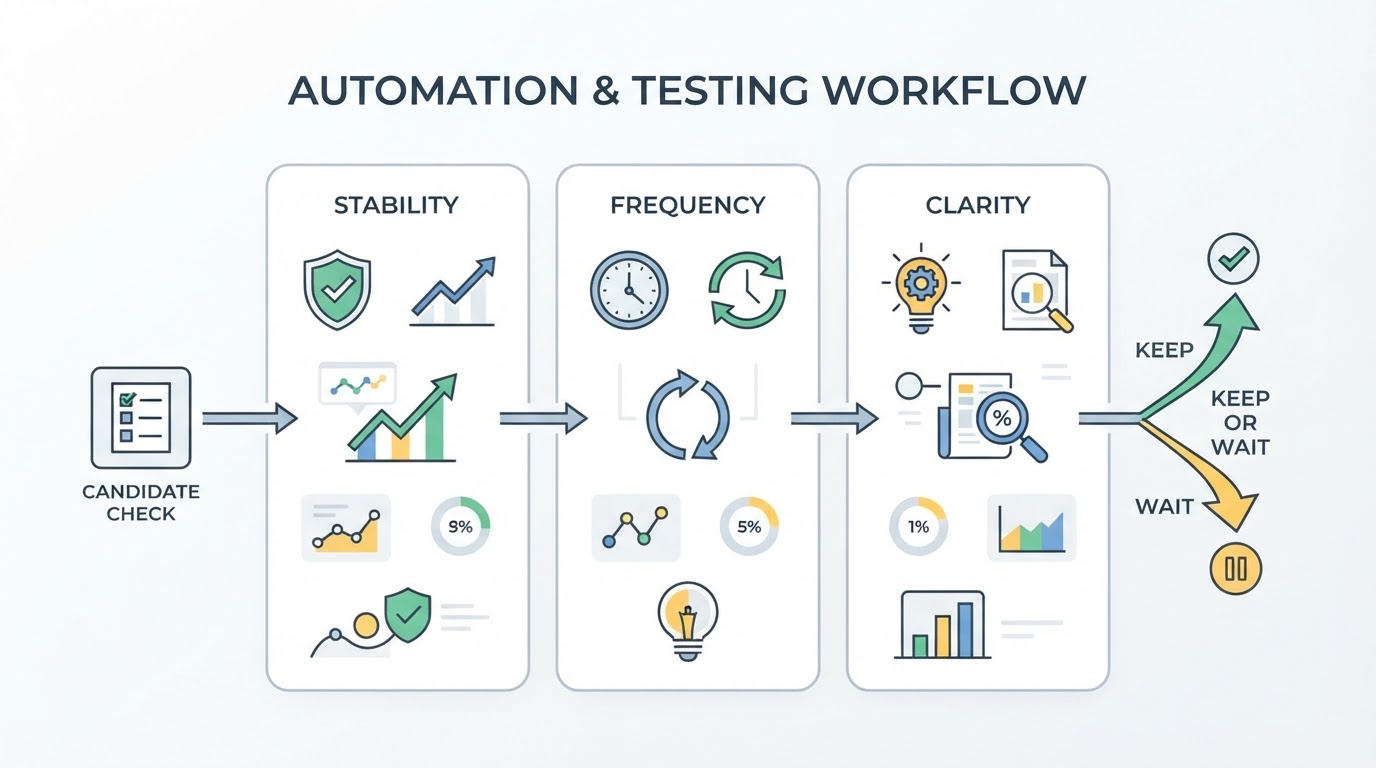
- Stability — has this flow's structure and requirement held for a while, or is it being redesigned this quarter?
- Frequency — how many times will this check run before the next redesign, by a person or by a pipeline?
- Specification clarity — can one person write the expected result down without a second meeting to debate it?
Automate where all three score high. Where any of them is low, the check stays manual for now, and that is a scheduling decision rather than a verdict about the tooling.
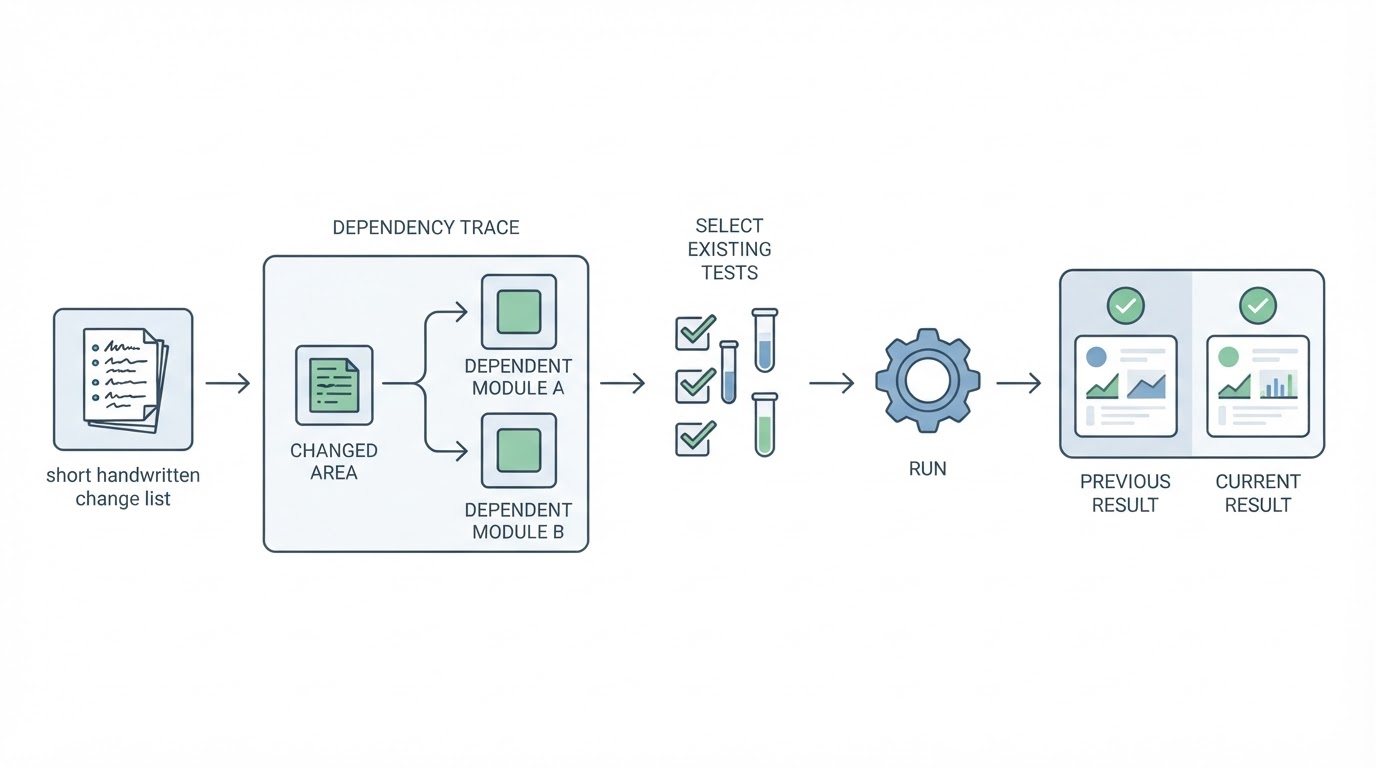
On that basis, first candidates are usually smoke tests on the flows that must never break, a regression suite around the areas that recently changed or recently failed, and a small set of cross-browser checks on critical paths — the last one only if the tooling actually covers the browsers you support. Requirements still in motion, anything judged on how the interface feels, and exploratory sessions stay with a person.
Two flows, side by side
A flow that suits automation: sign-up, email verification, and first login, run against a staging environment with seeded accounts and a read-only test mailbox. The steps are stable, the expected result is unambiguous, and the setup can be reset so the same run repeats tomorrow. A checkout with a reserved test card behaves the same way, as long as the payment sandbox does not change underneath it.
A flow that probably does not: a pricing page whose layout and copy are being redesigned this sprint and compared across two variants, where "correct" means a person thinks the plan comparison reads clearly. The steps will change before the suite stabilizes, the expected result is a judgment, and every rewrite costs more than the runs it replaces. Test it by hand until the design lands, then automate the parts that stop moving.
A decision checklist for a first commitment
Work through these seven points before a purchase or a sprint allocation:
- Name three to five flows, not a coverage percentage. A longer list is a roadmap, not a first project.
- Run each candidate through the three axes and write the answers down. Anything scoring low leaves the first scope, whatever a tool promises.
- Fix the environment and the data. One environment, seeded accounts, and a reset path so a failed run can be repeated without manual repair.
- Choose the trigger deliberately. On-demand before a release and a daily scheduled run suit different teams; pick the one whose result somebody will actually read.
- Write the failure contract. Who reads a red run, how quickly, and what they look at first. A suite without a reader is a dashboard nobody opens.
- Budget maintenance as a recurring line item, not as a one-off setup cost, and name the person it falls to.
- Define success for the first month as regressions caught before release and false alarms that cost an hour — not as tests written.
Then a summary in three beats. A good first project is narrow, stable, high-frequency, and objectively checkable, with one owner and one environment. A poor first project aims at broad coverage, picks flows that are still changing, and has no named reader for a failing run. The deciding question is not whether a tool can automate the check but whether anyone will act on the result — and if no such person exists yet, the honest answer is to keep the checklist manual for one more release.