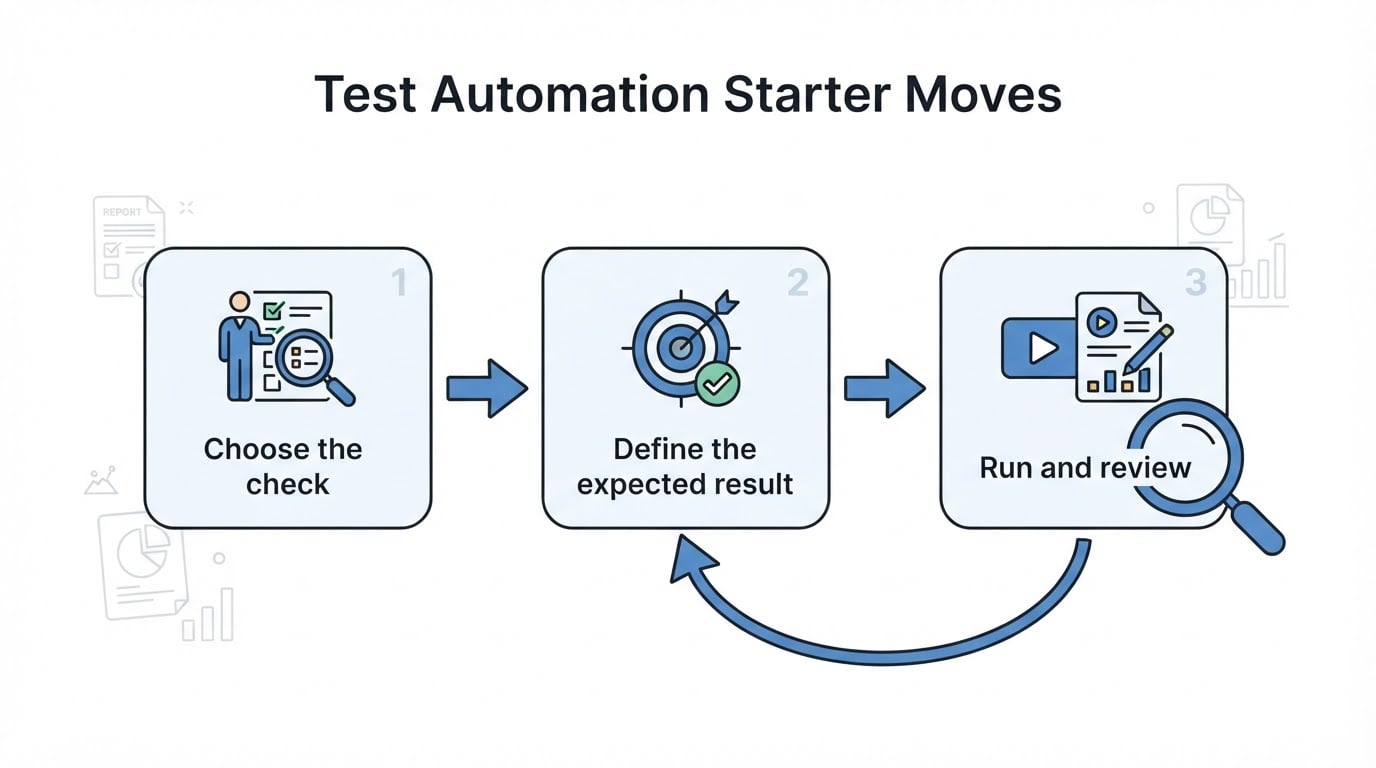
Where AI Fits: Steps, Scripts, and Signals
The term covers two different jobs. Testing with AI means using AI to write, run, and read automated checks. Testing AI means checking a model's data, behavior, and output. This article is about the first: it is where most product teams meet the phrase, and where the before-and-after is easiest to see in everyday work.
Inside testing with AI, the uses are often lumped together as one capability. They are separate jobs with separate failure modes, and naming them makes a tool conversation much shorter.
Expressing what should happen. Natural-language testing means you write the steps and the expected result the way you would brief a colleague: open the checkout page, add an item, pay with the test card, confirm that an order number appears. The tool maps each step to an element on the page and drafts the automation underneath it. The gain is readable intent. The person who knows the flow can review or change the description without touching framework code.
Producing and keeping the checks. Test generation covers drafting unit tests, regression suites, and edge cases from code, a specification, or a recorded flow. Self-healing sits on the maintenance side: when the interface changes, a self-healing script updates the test step instead of stopping at the element that moved. The two are often sold together because they touch the same artifact, the script, but one changes how fast a check appears and the other changes how long it survives.
Reading what happened. Visual checks compare the rendered screen with what it should look like: layout, color, buttons, missing or displaced elements. Root-cause analysis works after a failure, gathering which step broke, what the page returned, and what the console or network log recorded around that moment.
Three jobs, three different answers to a different question: what should be checked, is the check still valid, and what actually broke. A tool that is strong in one of them can be weak in another, which is why a demo of a single feature rarely predicts how the whole workflow will feel.
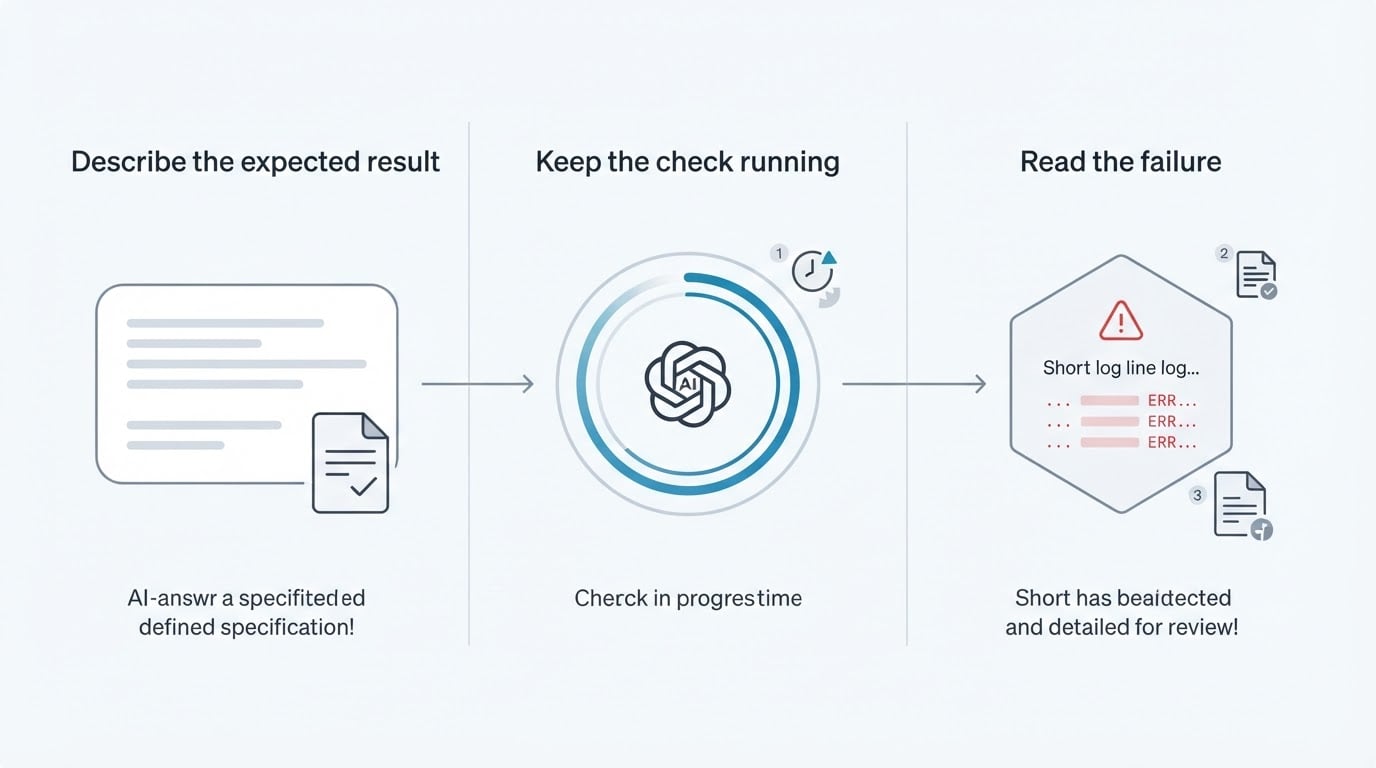
What all three share is that each produces a candidate rather than a conclusion: a proposed step, a proposed test, a proposed diagnosis. Someone accepts it. That is the practical line between assisted testing and the stronger claim that the software tests itself, and the stronger claim is worth treating as marketing until a specific, verifiable result supports it. Coverage numbers quoted by a vendor describe that vendor's own suite, not yours.
Test Creation: Before and After AI
Consider a small product team preparing a release of a checkout flow.
Before, the work looks like this. An engineer opens the test file, writes the setup, finds a selector for each field, and adds assertions for the confirmation screen. The happy path gets covered because it is the path the person remembers. The other cases, such as an empty card field, a duplicate submission, or a coupon that expires mid-checkout, are noticed in review or not at all, and the ones that are noticed go into a document nobody converts into checks later.
After, the same team starts with a description: a customer adds an item, pays with a test card, and sees an order confirmation with a number and a total. From that description, an AI-assisted tool drafts a scenario and, depending on what it is pointed at, also drafts unit tests for the pricing function, a regression set around the flow, and edge cases such as an empty field, a form submitted after the coupon expired, and a total that does not match the cart.
Two things change, and only one of them is speed.
The first is the starting point. Instead of a blank file, the team has a draft to react to. Reacting is faster than authoring, and it is a different kind of work: it asks for judgment about intent rather than knowledge of syntax.
The second is volume. Drafts arrive in batches, and a batch of unreviewed tests creates a new problem. Generated tests tend to encode what the software currently does, because that is what they can observe. If the current behavior is wrong, for example a discount applied twice or a total rounded the wrong way, a generated test can lock the mistake in and turn it green. Volume without review does not increase confidence; it increases the number of things that must be trusted.
So the working question in the creation stage is not whether a tool can write tests, but who reads the assertion before it counts. A useful draft states the outcome it expects in words, so that a reviewer can disagree with the expectation rather than with the syntax.
Test Maintenance: Before and After a UI Change
Maintenance is where automated suites usually die, and the pattern is familiar.
Before, a designer renames a button or a developer moves a field into a new component. The step that pointed at the old element no longer finds it, so the run fails at that line, not because the product is broken but because the instructions are stale. Someone stops what they are doing, works out which step referenced which element, updates the reference, and runs the suite again. After the third or fourth occurrence, the team starts treating red runs as noise. That is the expensive moment: a suite everyone ignores has stopped being a test suite and become a report nobody reads.
After, the parts that can be updated automatically are. When the interface changes, a self-healing script updates the test step, and the run continues past a change that would previously have stopped it. The visible difference is fewer interruptions for element-level repairs.
The difference that matters more is what the team now has to decide. A step that repairs itself keeps the suite running. It does not, by itself, tell anyone whether the new element is the right one or whether the interface change was intended. A renamed button may be a harmless refactor, or it may mean that a control moved into the wrong flow. The repair answers whether the check can still run; it does not answer whether this screen should still behave this way.

That is the trade-off to write down before adopting the feature: automatic repair lowers the cost of routine change, and it also removes an interruption that used to force a person to look at the change. The common mistake is accepting every healed step silently. A short rule, that every repaired step gets read once in the same release, keeps the benefit and keeps the signal.
The Part That Stays Human: Confirm, Review, Decide
Across both stages, three decisions stay with people.
Confirm the scenario. A tool can propose a flow from a description. Only someone who knows the product can say that this is the flow customers actually use, that the expected result is the one the business promised, and that the order of steps matches reality. Confirmation is cheap when the scenario is readable, and it is the moment where an accepted draft becomes an agreed definition of correct behavior.
Review the evidence. A run leaves more than a pass or fail: per-step results, screenshots, console and network logs, and an explanation of where it stopped. Reading that evidence is how a person decides whether a red run is a defect, a stale instruction, a slow environment, or test data that no longer resembles production. Evidence can be collected automatically; it cannot be interpreted automatically in a way that carries responsibility.
Decide whether a failure is a bug. This is the decision no tool can take over, because it depends on what the team intended. AI-assisted analysis can point at the moment things went wrong and suggest a plausible cause. Whether the behavior is acceptable, whether the customer was promised something else, and whether the release should wait are product decisions, and they belong to the people who own the release.
Two failure modes follow from getting this wrong. A red run that is not a defect teaches the team to ignore red runs. A green run that missed a real defect teaches the team to trust coverage it does not have. Both are judgment failures, and both look like tool failures from a distance.
Three Takeaways for Assessing AI-Assisted Testing
- Test the review loop, not the demo. Ask what the tool produces after a UI change, and what a person must read before accepting a generated scenario, a repaired step, or a verdict that a run passed. A demo shows generation. The review loop decides whether the team can live with it.
- Start with the flows you already check by hand. Pick the handful of flows that must not break before a release, write them as descriptions, and confirm each scenario yourself. A small, reviewed suite gives you a real baseline; a large, unreviewed one gives you a number.
- Name the owner of judgment. Write down who confirms a scenario and who rules on a failure. If nobody owns confirmation, a generated suite quietly becomes a suite nobody read, and it stops meaning anything the first time it is wrong.
The short version to carry out of the room: AI can draft the check, keep it running, and show you where a run broke. It cannot tell you which flows deserve a check, whether a green run proves anything, or what your team promised the customer. Those three remain the parts of testing that a person has to own.