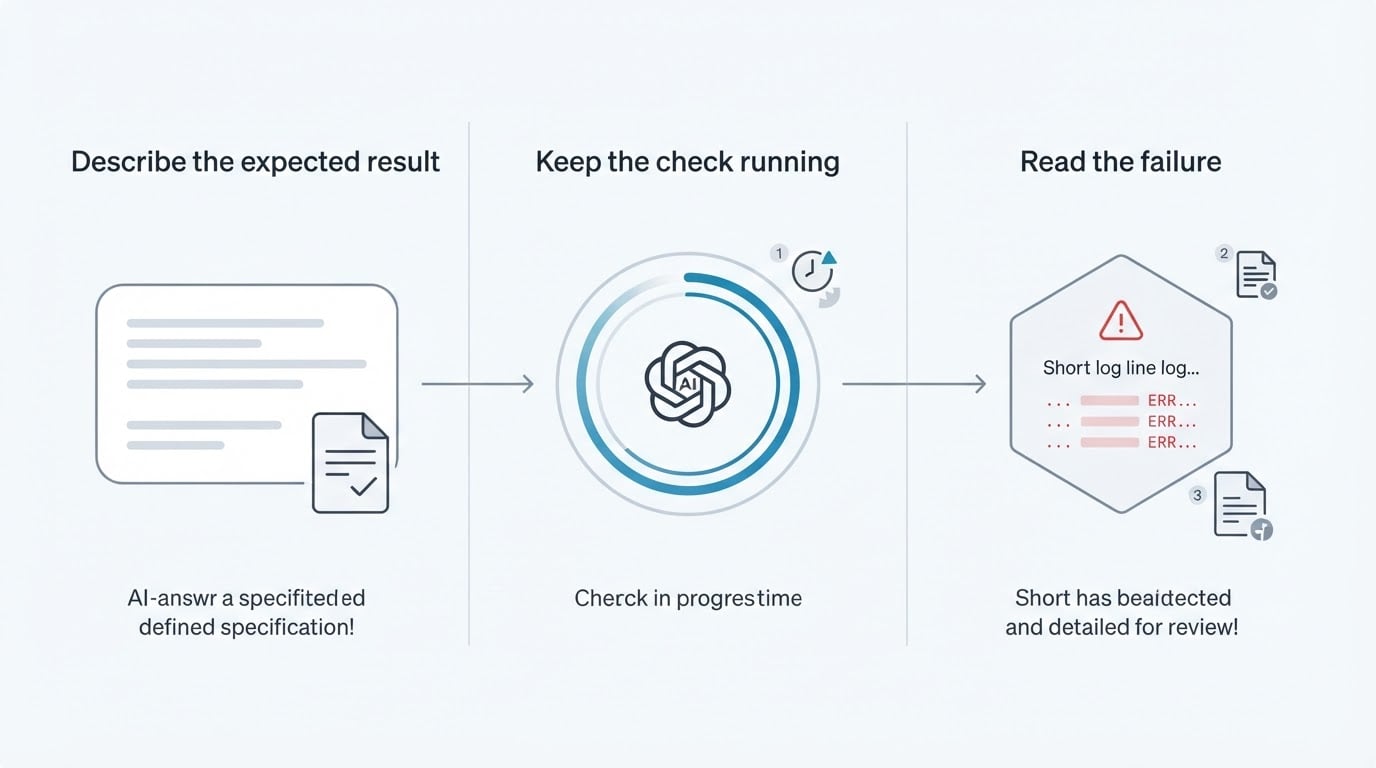
What test automation is, and which manual checks it replaces
Test automation is software, scripts, and frameworks that run predefined test cases without a person driving them, then compare the actual result with the expected one. The comparison is the part teams underestimate. A script that clicks through a sign-up form has not tested anything until it also decides whether what came back on screen counts as correct, and until you have written that decision down, a tool can only replay your clicks.
So test automation in software testing is less a robot that finds bugs than a way to keep a decision under continuous check. You decide once that this flow works when it does a specific set of things. The tool repeats the trip, makes the same comparison every time, and hands you the result instead of asking you to re-derive it by hand each week.
The checks it replaces are the ones a team already repeats on a schedule. In most web products they fall into three familiar groups:
- The pre-release walkthrough. Someone opens the app before a deploy, follows the same path a customer would, and confirms the pages still load and the forms still submit.
- The flows that must never break. Sign-up, checkout, billing, password reset, onboarding. They are checked most often because a failure there reaches customers directly.
- The re-check after a change. A change lands somewhere else entirely, and the question becomes whether the untouched flow still behaves the way it did last week.
Each of those has the same shape: a known sequence, a known good outcome, and a person spending attention confirming it again. That shape is the raw material of automated testing. Once you can write the sequence down and say what the result should look like, you can hand the repetition to a tool and keep the judgment for yourself.
Which checks to automate first
Start with one check rather than a suite. The starter path is three moves: choose a repeatable check, write down the result you expect, then run it and review what came back. Everything else, including which tool you use, where it runs, and who receives a failure, is a detail you settle after that first loop works.
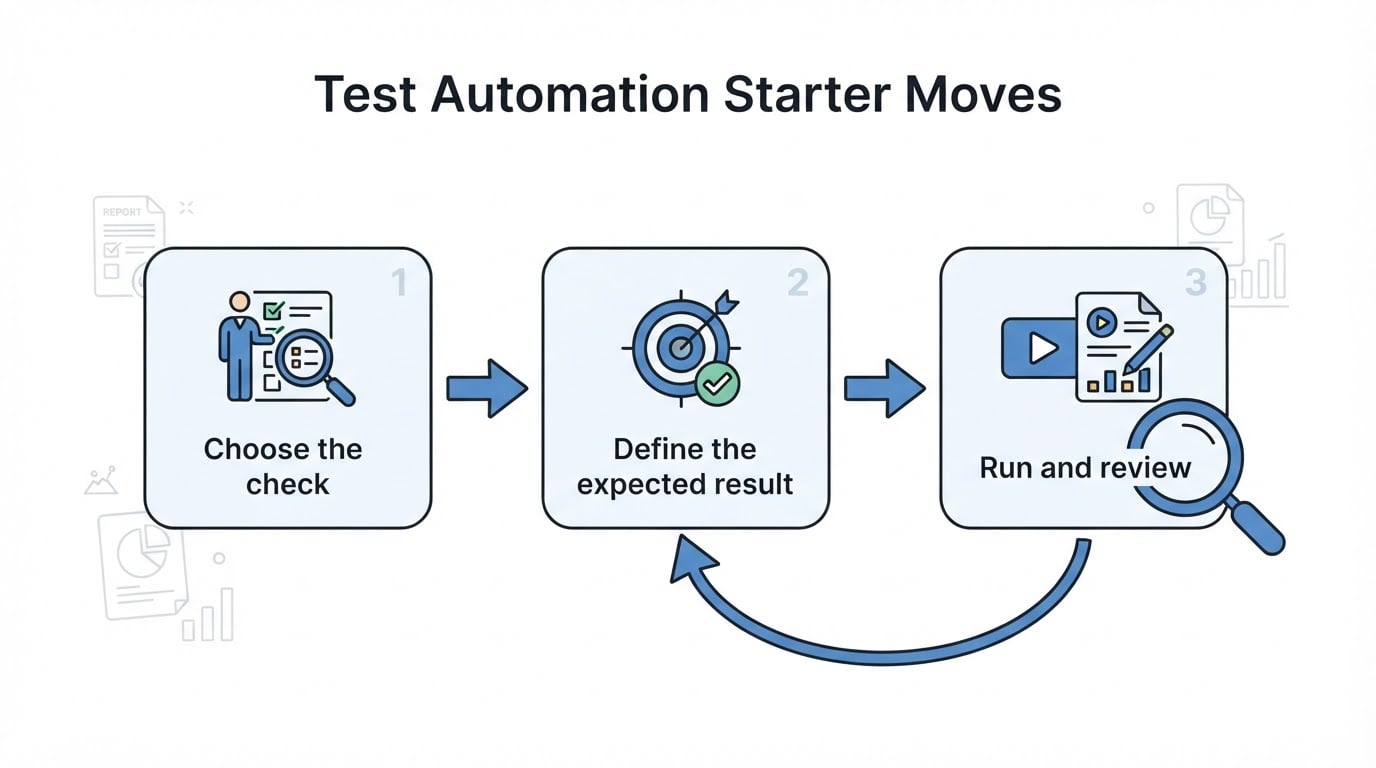
A good first check is repetitive, deterministic, and business-critical. Repetitive because the value comes from repetition, and a check you run once a quarter is not worth the setup. Deterministic because you must be able to state one correct outcome, and a check whose correct answer depends on the account's data or the day of the week will produce noise. Business-critical because that is where a missed failure costs the most.
Question | Strong answer | What a weak answer tells you |
|---|---|---|
Does one person already run this check on a schedule? | A named person does it before every release | The check is occasional, so automating it saves little |
Can you write the expected result in one or two sentences? | Yes, with concrete values and a visible end state | The check is still a judgment call, not a specification |
Would a failure here interrupt revenue or onboarding? | Yes, it blocks sign-up, checkout, or billing | It is a nice-to-have; start where the risk is |
Rapidly changing interfaces are a poorer first choice. If a team is redesigning the search box or rearranging checkout every sprint, the steps that locate those elements change with the design, and the first weeks go into repairing the check rather than reading its results. Automate the stable flow underneath, then add the moving surface when it settles.
Turning one manual check into an automated one
A password reset is a common first candidate because the sequence is short and the outcome is unambiguous. The manual version is short: request a reset, open the email, follow the link, set a new password, sign in with it. Before it becomes a standing check, a team makes three decisions.

- What the check covers. The happy path first: a reset request that completes end to end. A second case, such as a link that has expired, can wait until the first one is trustworthy.
- What counts as correct. The email arrives at the right address with a link, the link opens the reset form, the new password signs in, and the previous password no longer works. Written that precisely, the expected result is something a tool can compare against.
- What the check owns. A dedicated test identity with its own inbox, so a parallel run cannot read the wrong mail, and a named person who reads the result before it turns into a row nobody opens.
The expected result is where most first attempts go wrong. "Reset works" is not a checkable statement, because it names a feeling rather than a state. "The confirmation email arrives within the run, its link opens the reset form, and the new password signs in" is checkable, and it is also the sentence you will read six months from now when the check fails and you need to know whether the product or the expectation moved.
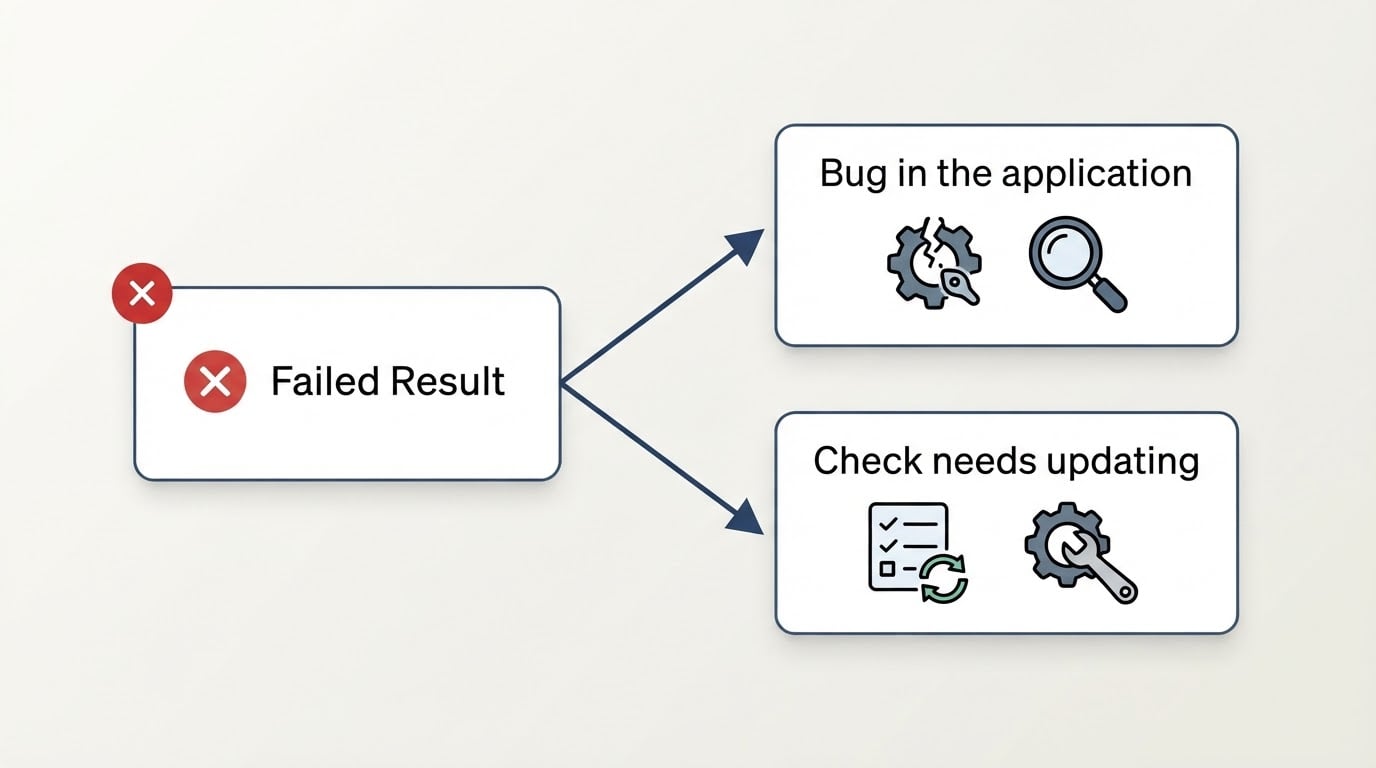
Then review the first run as a reader. A useful result tells you which step it stopped at, what the screen showed at that moment, and whether you are looking at a defect in the application or a scenario that needs updating. That distinction decides whether the habit survives: a team that can tell the two apart keeps the check, and a team that cannot eventually mutes it.
BuniOD, the product this guide comes from, is one example of a tool built around that review moment. By its own description, its failure explanations name the exact step or check that failed and explain in plain language why, delivered next to the same run's screenshot and logs, and the explanation is framed as a decision between a bug in the application and a scenario that needs updating. Failed runs are not retried automatically, so a red result is the result of the run you asked for.
What should stay manual, and where upkeep goes
Automation takes over repetition, not judgment. Three kinds of checking should stay with a person, and they stay manual for different reasons:
- Exploratory testing. Someone follows a hunch through the product to see what breaks in an area nobody specified. There is no predefined sequence to run, which is exactly why it finds different problems than a check does.
- Usability checks. Whether a flow makes sense, whether a label is understandable, whether the next step is obvious. These are judgments about the experience, and a pass or fail comparison cannot express them.
- Ad-hoc UX checks. The spot review after a copy change or a layout tweak, where a person looks at one screen and decides whether it reads correctly. Keeping this manual is deliberate, not a gap to close.
The work itself does not disappear when a check moves into a tool. It changes shape, and the upkeep lives in three places. The steps that locate elements on a page need attention whenever the interface changes. Test data and expected results need updating whenever the product's intended behaviour changes. And failures need triage, because a red result nobody reads is more expensive than no result at all.
That is why a red result should force one question: is the application wrong, or is the check out of date? Answering it takes a moment when the run keeps the failed step, the screen at that point, and the surrounding logs. It becomes an investigation when all you have is a red mark and a timestamp, which is the usual reason teams stop trusting their checks.
Plan for that cost before you scale. A team that automates ten checks and reviews none of them has not reduced risk; it has moved the same risk behind a dashboard. The budget line that matters is not writing the checks but keeping one person reading their results twice a week, with enough evidence in each result to make a decision.
A first-week plan in three beats
The whole guide reduces to three moves you can finish in a week.
- Pick one check. Choose something repetitive, deterministic, and business-critical, then write it down as steps plus one sentence describing the expected result.
- Give it what it needs to be trusted. Its own test data, a place to run, and a named person who reads the result.
- Run it twice and review both results. Only after the loop holds should a second check join the first.
If those three beats hold, you have test automation that earns its place in a release. If they do not, fix the loop before adding coverage.